You can view your billing details on the UNIVERSAL Mobile website under My Page → “Invoices & Receipts.”
※We do not mail invoices or provide detailed call history statements.
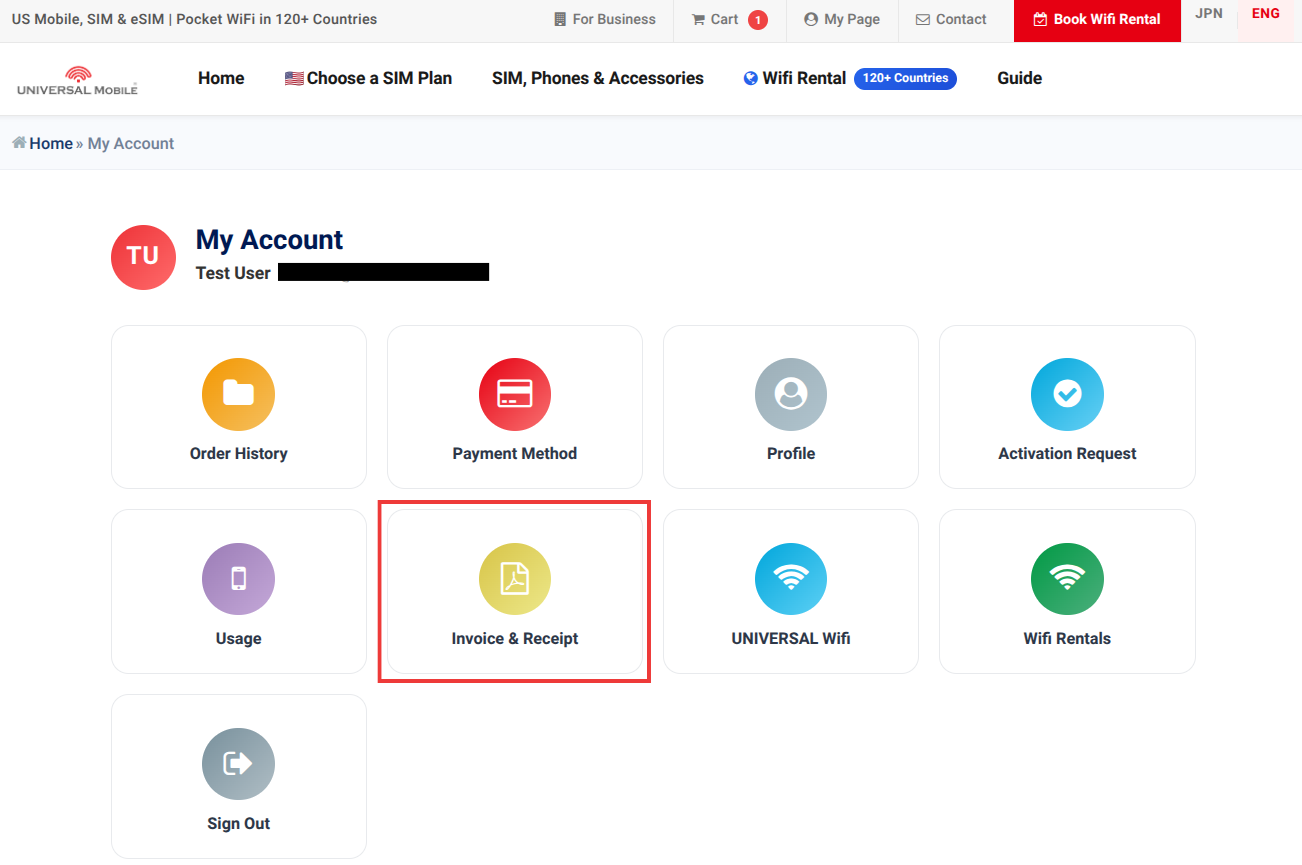
※Invoices are issued on the 10th of each month.
※Your address is not included on the invoice. If you need an invoice that includes your address, please contact Customer Support.
======================
Contact:
UNIVERSAL Mobile Customer Support
Email: customer@universalmobile.us
======================
Was this article helpful?
That’s Great!
Thank you for your feedback
Sorry! We couldn't be helpful
Thank you for your feedback
Feedback sent
We appreciate your effort and will try to fix the article